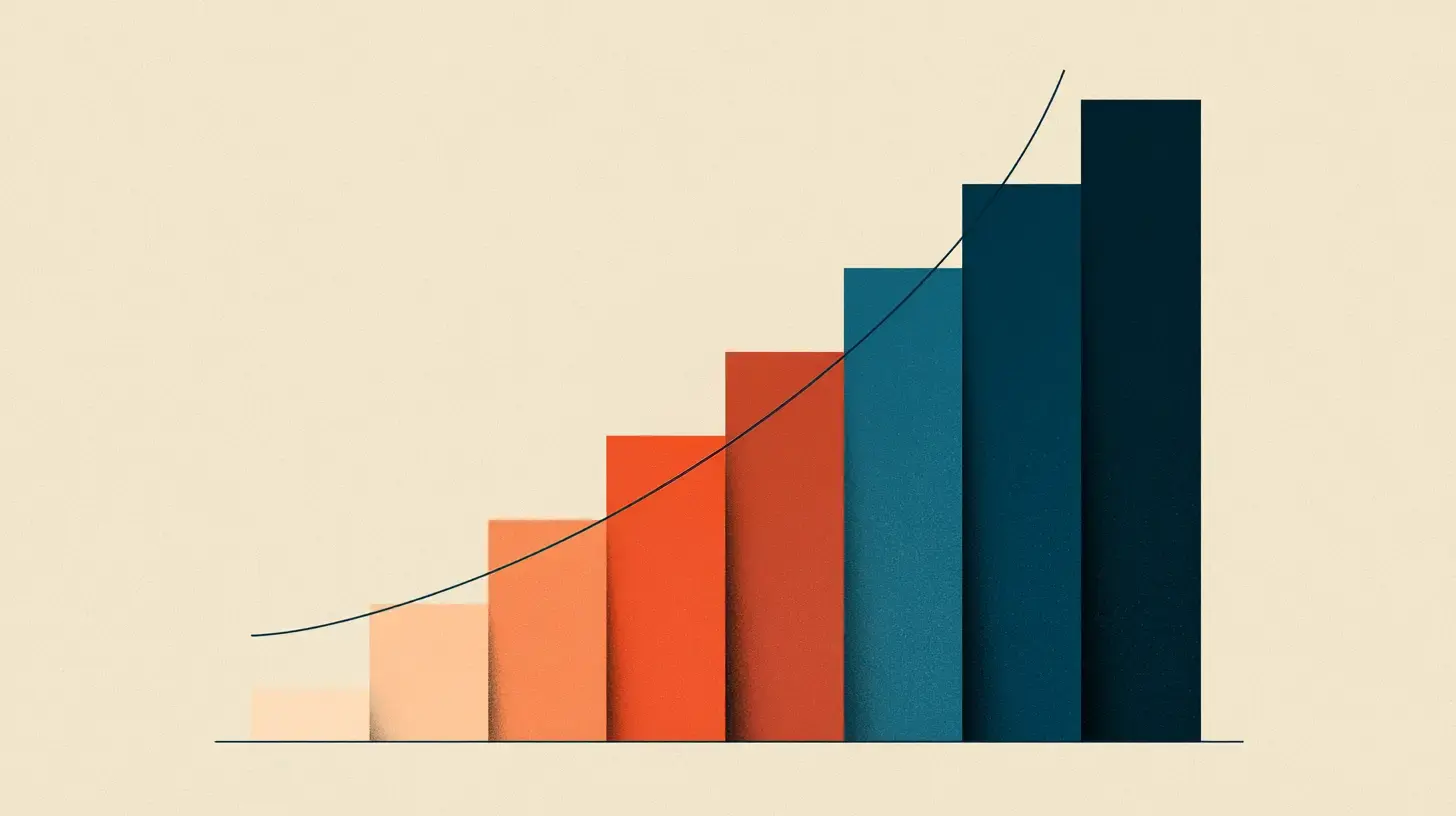
1. Why a color scale at all?
A brand color on its own isn't enough to build a product with. You need a lighter tint for hover states. A darker shade for pressed buttons. A very light wash for backgrounds. A near- black variant for text on a saturated card. The minute your UI grows past a handful of components, you stop wanting to hand-pick those shades each time — you want a system.
A color scaleis a discrete set of related shades generated from a single seed color. Each shade is identified by a number (50, 100, 200, …) so designers and developers can reach for “blue-600” the way they'd reach for “text-lg” or “space-4”. The scale is the bridge between a brand and a working component library.
2. How many steps? A short history
The 11-step convention has a lineage worth understanding.
Material Design (2014) shipped tonal palettes built around 10 steps — 50, then 100 through 900 in hundreds. This was the first widely-adopted version of the numeric-step pattern.
Tailwind CSS (v1 in 2019 through v3.2 in 2022) reused that 10-step layout for its default color palette. Tailwind's meteoric rise made the 50/100–900 vocabulary essentially universal across web design.
Tailwind CSS v3.3 (March 2023) added a 950 step at the dark end of every color, making it an 11-step scale. The change acknowledged that the gap between 900 and pure black was big enough to need a dedicated stop — especially for dark-mode surfaces.
Radix Colorsuses a different scheme: 12 steps, with each step assigned a specific role (1 = app background, 9 = solid background, 12 = high-contrast text). It's the most rigorous step-as-role system in wide use.
For most teams in 2026, 11 steps is the default — both because the tooling defaults to it and because it's a tractable number to design against without becoming paralyzing.
3. The numbering convention
The numeric labels (50, 100, …, 950) loosely correspond to darkness: 50 is the lightest tint, 950 is the darkest. They are notdirect lightness values — a color at step 500 isn't at 50% lightness in any color space. Treat them as ordinal labels.
The conventional roles look roughly like:
| Step | Typical role |
|---|---|
| 50–100 | Tinted backgrounds, very subtle washes |
| 200–300 | Borders, dividers, disabled states |
| 400–600 | Primary brand expression, accents, hover states |
| 700–800 | Pressed/active states, body text on tinted backgrounds |
| 900–950 | Dark-mode backgrounds, high-contrast text in light mode |
These are conventions, not rules. The point of the system is that everyone on the team uses the same labels to mean the same things.
4. The lightness curve
The hardest part of building a color scale isn't picking the count — it's deciding how lightness moves between the steps. A naïve approach is to interpolate linearly: take your brand color, lerp toward white for the lighter steps, lerp toward black for the darker ones. This almost always looks bad. The middle of the scale goes muddy and the extremes feel flat.
The reason: human lightness perception isn't linear in RGB or HSL space. A color at 50% RGB lightness doesn't look “halfway between black and white” — it looks much closer to white. Modern scale generators work in a perceptual color space (OKLCH, OKLab, or CIELAB) where lightness does map evenly to perception.
The practical effect: a good 11-step scale clusters more density near the ends and spreads through the middle. Steps 100 → 200 → 300 in OKLCH space have smaller numeric L deltas than 400 → 500 → 600. That non-uniform spacing is what makes the lighter tints feel distinct from each other instead of blurring together.
5. Chroma: the saturation question
Saturation (or, more precisely, chroma) shouldn't stay constant across the scale. Two reasons:
- At very high lightness (steps 50–100), high chroma starts to look unnatural — saturated pastel territory rather than a tinted background.
- At very low lightness (steps 900–950), high chroma can't physically exist in sRGB without clipping. The color space narrows as you approach black.
The standard move is a chroma curve: a chroma peak around the 400–600 range, with a gentle tapering toward both ends. That gives you saturated mid-tones for brand expression and calmer extremes for backgrounds and text. Tailwind's default palette uses this pattern; so does Material's.
Hue can drift too. Some scales add a touch of cool to the lighter steps and warm to the darker ones — or vice versa — to mimic natural lighting. It's a design choice. The key is consistency: if your blue scale drifts warm at 900, your red scale should follow a coherent rule for hue at 900 as well.
6. Anchoring: pick the brand step
Where on the scale does your brand color sit? This is the single most consequential decision in building a scale. The default is 500, but consider:
- Step 500— Tailwind's default anchor. A balanced choice, but step 500 often doesn't have enough contrast against white for accessible body text.
- Step 600 — A common pick for primary buttons because it tends to hit WCAG 2 AA contrast against white. Pick this if your brand color is mid-saturated.
- Step 700 — Better for darker brands or for text-on-light surfaces. The trade-off is that lighter variants (50–400) get further away and may feel less recognizable as your brand.
In Palette Daddy, the “anchor step” setting lets you pick where your input color lives in the scale. The rest of the shades are generated outward from there, so you get exactly your brand color at the step that matches your usage, with consistent lighter and darker variants on either side.
7. Contrast and accessibility
A good 11-step scale should let you predict contrast without running a checker on every pair. Two patterns that help:
- White text on 600+should reliably pass WCAG 2 AA across all hues in your system. If some hues fail at 600 and pass at 700, the scale is inconsistent and the system-wide rule (“use 600 for primary buttons”) breaks.
- Dark text on 50–100 should also reliably pass. If a yellow-50 has higher chroma than a blue-50, body text on yellow tinted backgrounds will feel weaker.
APCA, the perceptual contrast algorithm covered in our APCA vs WCAG 2 guide, is particularly useful here. Because APCA is hue-invariant, you can tune a scale so that every hue's 600 lands at approximately the same APCA Lc value against white. That lets you write design-system rules like “primary backgrounds use 600” and trust them.
8. Common pitfalls
Dead middle
The classic symptom of linear interpolation in RGB or HSL space. Steps 400, 500, 600 look almost identical because the math sees them as evenly spaced even though human vision doesn't. Fix: generate in OKLCH or OKLab.
Banding at the light end
Steps 50, 100, 200 too close in lightness, so tints feel interchangeable. Fix: increase the lightness delta at the light end and apply a chroma taper.
Muddy darks
Steps 800–950 collapse toward an undifferentiated near-black. Fix: hold a touch of chroma into the darks, and use OKLCH- space lightness deltas instead of RGB-space ones.
Single-hue blind spots
Some hues sit awkwardly in sRGB — saturated mid-greens and blues hit out-of-gamut regions of OKLCH quickly. If a scale looks great for red and washed out for blue, the gamut mapping is the culprit, not your hue.
9. How Palette Daddy generates 11-step scales
Palette Daddy produces an 11-step scale (50–950) from any input color. Two algorithm modes:
- Tailwind mode— replicates the lightness and chroma curve character of Tailwind's default palette. Best when you want the scale to feel familiar to developers and designers already using Tailwind.
- APCA mode — tunes lightness so that the same step lands at a consistent APCA Lc against white text regardless of hue. Best when you want predictable system-wide contrast rules.
Both modes work in a perceptual color space, taper chroma at the extremes, and let you pick the anchor step. Pick a color on the generator and toggle between modes to see the difference.
10. Frequently asked questions
11. Further reading
- Tailwind CSS — Customizing colors — the documentation for the palette that defined the convention.
- Radix Colors — a 12-step, role-based alternative to the 11-step convention. Worth studying for its rigor.
- Material Design 3 — Color system — Material's current color story (tonal palettes + dynamic color).
- APCA vs WCAG 2 (our guide) — the contrast piece that makes a scale predictable to design against.